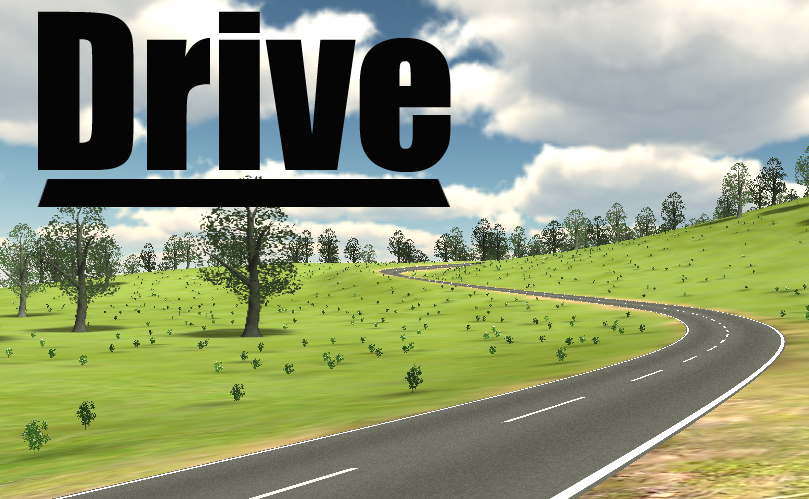
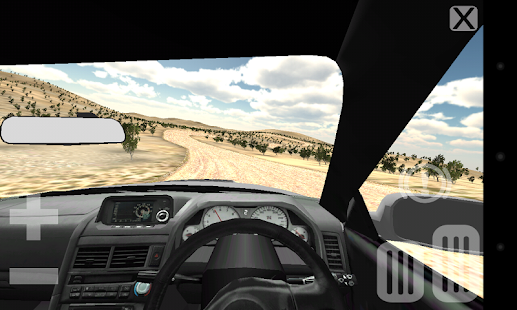
The joy of driving.Choose from 8 tracks.
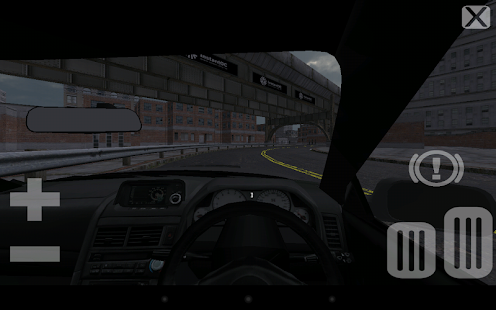
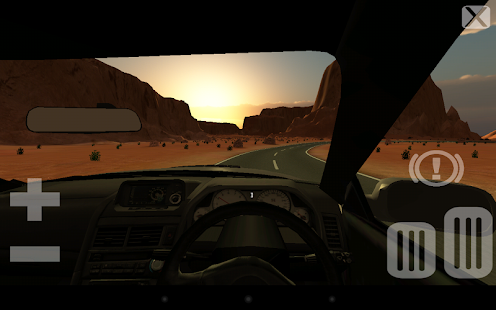
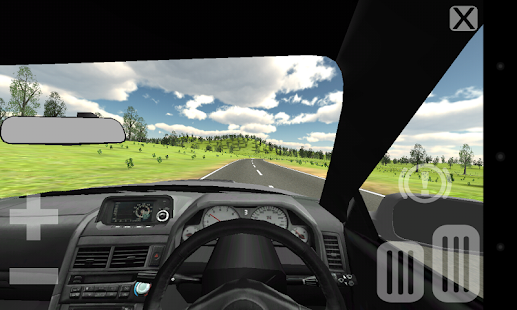
Gears on the left, pedals on the right, tilt to steer. Requires steady hands.
Drive safely.
Recommended minimum Tegra 3 - Tested on Nexus 4 and 7. ;-)
Update:
first release ;-)
Screenshots : Let's look!!
Download

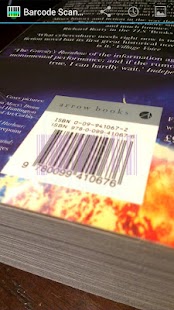
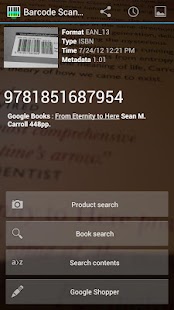
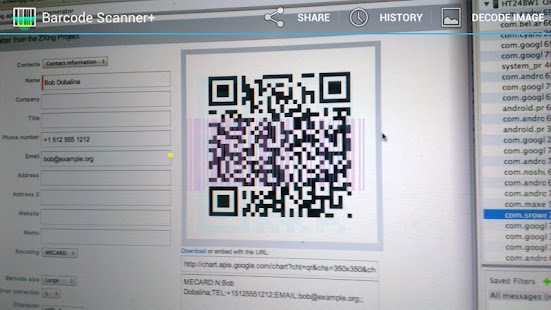
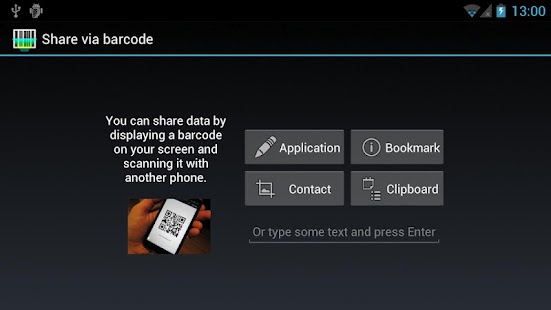
After scanning barcodes you find on products, for example, you can discover prices and reviews for it. Or, when scanning newer two-dimensional barcodes, like QR Codes, you can access contact information, bookmarks, web site links and more inside.
Barcode Scanner+ is an enhanced version of the popular, free Barcode Scanner application, which is a product of the ZXing open-source barcode scanning library from Google. Barcode Scanner+ is based on the same code, and has been developed by one of the two primary authors of the original Barcode Scanner, Sean Owen.
Barcode Scanner+ includes all of Barcode Scanner's functionality, and is intended as a drop-in replacement for Barcode Scanner. It adds several enhancements:
Better barcode scanning:
New image processing algorithm for detection of 1D barcode formats, including UPC and EAN product codes
Uses both cores of dual-core processors
Optionally, scan for Aztec and PDF417 barcodes (note: PDF417 support is 'alpha' quality)
Rewritten to take advantage of Java 6, Android 2.2+ APIs, and latest Android SDK featuresRefined user interface:
Now scan in tall "portrait" orientation, in addition to "landscape" orientation
More intuitive pattern-based scanning guide
Streamlined and improved user interface elements
Android 4 and tablet device support
Expanded Help screensNew features:
Decode a barcode from an image file
Option to scan light-on-dark barcodes
Activate device's LED light to scan in low light
Basic support for scanning NFC tagsAlso available in "simple" version, without functionality that requires special permission. See "Barcode Scanner+ Simple".
Purchasing this application also supports development of the ZXing open-source barcode scanning library.
Barcode Scanner+ does not collect, store or transmit information about its users, nor usage of the application. The application accesses personal information such as contacts and bookmarks only in order to implement application functionality, such as sharing contacts and bookmarks by QR Codes on screen. ;-)
Update:
Google Shopper link has been removed.
Small fixes and improvements.
Screenshots : Let's look!!
Download

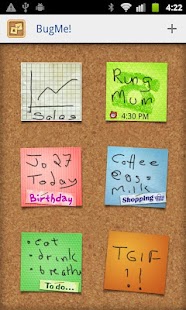
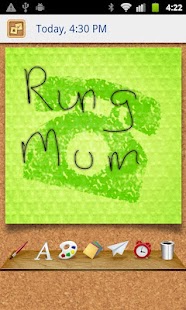
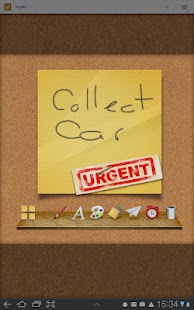
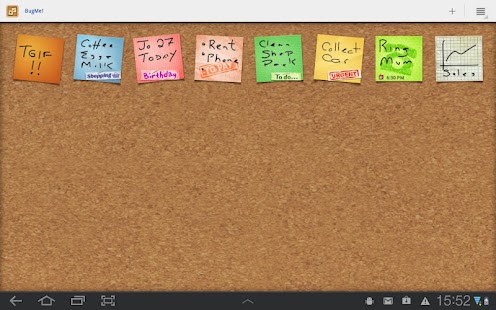
Its time to bring your yellow sticky postit notes up to date - BugMe! brings all the fun and flexibility of the handy little notes right to your smartphone or tablet. Pin them to a virtual cork board within the app and set alarms and alerts, or use the BugMe! Widget to “Stick” your note on your launcher screen for that extra visual reminder!
Features:
MAKE QUICK NOTES - write in digital ink with your finger, or type with the inbuilt keyboard
ALARMS & REMINDERS - set alarms and due times on your notes
SAVE NOTES TO LAUNCHER - widget for handy sticky notes on your app launcher!
SEND YOUR NOTES TO FRIENDS - send notes to friends via Facebook, Twitter or email
CUSTOMIZE THE LOOK - choice of note colors and ink styles to help you get organized
USE YOUR PHOTOS - use your photos as note backgrounds or make notes and marks on your photos
MAKE LISTS - use your notes as lists
ORGANIZE - drag and drop your notes to rearrange them on the virtual cork board.
and more! ;-)
Update:
With this update we added a large set of fun and usefull note papers allowing you to more easily categorise and distinguish your notes, keeping you even more organized. ;-)
Screenshots : Let's look!!
Download

Ultra Keyboard is an advanced touch-screen keyboard, with many features geared towards giving you a better Android keyboard experience.
TOOL BAR
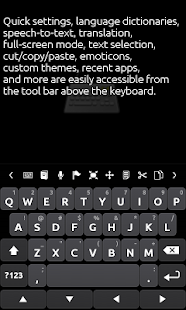
Ultra's tool bar provides a ton of features in a tight space. Flick the tool bar left or right to scroll through the available buttons. Quickly change many settings, navigate through text, cut and paste, change dictionaries, change themes, insert emoticons, and more. Show or hide the tool bar by pressing your device's menu button.
CUSTOM THEMES
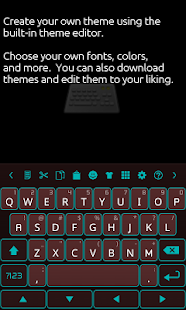
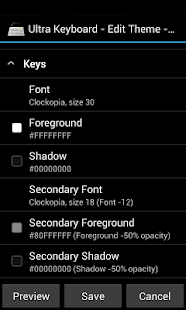
Ultra supports many keyboard themes available from the market, both free and paid. Quickly switch between themes using the tool bar. You can also use Ultra's built-in theme editor to create your own themes, or edit existing ones. Don't like a theme's font? Change it!
SUGGESTIONS
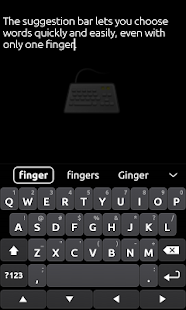
Like most keyboards, Ultra suggests words while you type. The suggestions box is designed to be smart, fast, and easy to use, with many unique features. Add custom words to your personal dictionary. Long-press a word, and you can black-list it so it doesn't show up in the suggestions.
MULTIPLE LANGUAGES
Ultra comes with a built-in English language dictionary, but there are other dictionaries available that you can download right from the keyboard.
WORD REPLACEMENTS
Type "brb" to quickly type "be right back". There are many built-in replacements, and you can add your own.
DYNAMIC UI
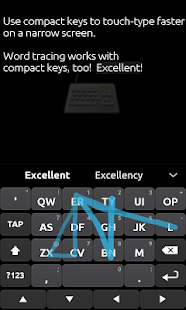
Ultra can combine keys so they're easier to press, similar to Blackberry™ phones. For devices that don't have a track pad or built-in navigation, there are arrow keys that let you quickly move the cursor. Easily make the keys taller or shorter.
MULTI-TOUCH SUPPORT
For devices with multi-touch-capable screens, you can press multiple keys at once. Quickly enter a capital letter by sliding your finger from the shift key. Slide your finger from the view key to enter numbers or symbols.
SECONDARY CHARACTERS
You won't have to change views just to enter a single number. Hold down certain keys to quickly access secondary and hidden characters.
WORD TRACING
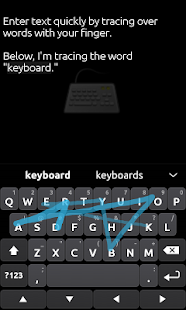
Have you heard of that popular keyboard that lets you swipe your finger over words, instead of typing each letter? Ultra can do that too.
SPEECH-TO-TEXT
Speak to Ultra Keyboard. It uses Google's web-based service to transform your spoken words (and punctuation) into text.
TRANSLATION
Quickly translate your text to dozens of languages.
CAMERA MODE
Activate your camera to see where you're going while you text your friends.
CUSTOMIZABLE SETTINGS
Almost everything in Ultra is customizable. Want to show more suggestions? You can. Don't use a few of the tool bar buttons? Remove them. ;-)
Update:
Fixed issue deleting characters on Galaxy devices
Fixed various crashes.
Additions:
Full-screen mode
New tracing animation
Physical key actions
Improved camera mode (with front-facing support)
New theme styles
Fixes:
Got rid of HUGE memory leak. Memory usage will be much lower now.
Many crash fixes.
LOTS MORE! Way too many to list here. ;-)
Screenshots : Let's look!!
Download

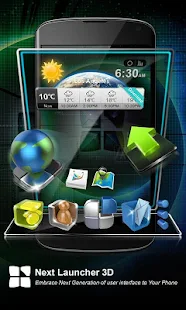
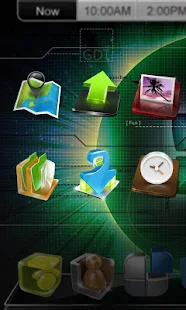
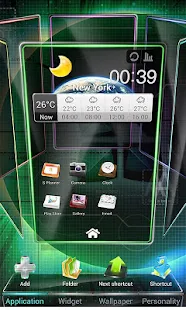
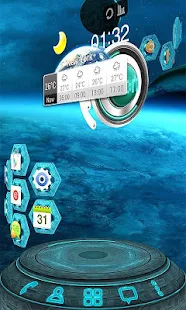
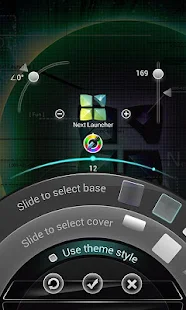
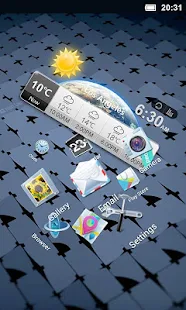
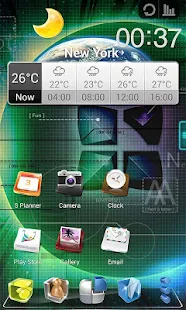
Next Launcher is a new launcher application which is full of glorious 3D elements and dynamic effects. Fancy 3D visual elements, gorgeous transition effects and humanized gestures bring you a unique and splendid operation experience and visual enjoyment.
Features:
Various operation for icons: icons support rotation, reset, select, align and so on. Operation is easy and fantastic.
Unlimited screen layout: placing icons or widgets randomly which forms your own home screen.
Stereoscopic screen preview: lots of screen display effects, dazzling animation of screen switching about adding or deleting screen.
Quick screen management: adding different kinds of elements in screen edit including application icons, folders and widgets. It’ll support changing wallpapers and themes soon.
Rotatable dock: inverting upward or downward the Dock can quickly switch among home screen, screen edit and screen preview.
Powerful app drawer: icons can be arranged by names or by time, and folders can be created by overlaying icons. Batch mode and operation of adding apps to screen are also available.
Beautiful scrolling effects: a variety of app drawer scrolling effects that provide a distinctive screen switching experience.
Fancy 3D widgets: 3D widgets that are based on Next Launcher are coming soon!Tips:
Please make sure your device has installed Google Play.
Phone performance:Android 2.3.3 and up; Dual-core models is better.
Suggestion:Watch the video of Next Launcher first, to know about the cool operation of the product.
Notice: We suggest users which use Galaxy Nexus don't remove the Menu icon. ;-)
Update:
(New) 3D Scene mode Beta (Menu->Preference->Switch to 3D scene mode)
(Fix) Freezing in some devices
Screenshots : Let's look!!
Download


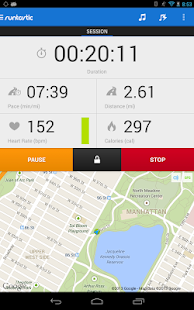
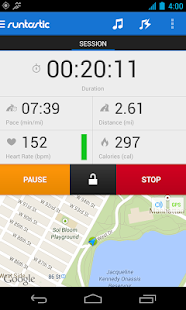
The runtastic sportcoach uses the built-in GPS to map your activities and track your progress (distance, time, speed, calories, altitude, pace, etc.). Show your friends how active you are and share your success with them.
PRO Features :
Voice feedback during a workout: Get audio feedback for each mile or kilometer
Live tracking: Show your friends and family where you are
Cheering: Hear cheers and receive messages live from your friends and be motivated to go even further
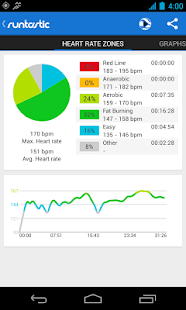
Heart rate support: Polar Wearlink+ Bluetooth and Zephyr heart rate monitor
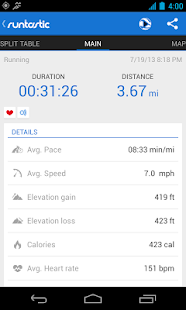
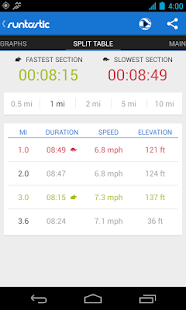
Split table with dynamic mile and kilometer split
Calorie goal: Set a specific calorie goal and use the voice feedback to reach your workout goal
Pace goal: Define your favorite pace
Geotagging: Take pictures during a workout and see these pictures online at your map trace
Weather and Temperature: Receive live weather information and save weather data automatically after a workout
Prediction of sunset and sunrise
Features :
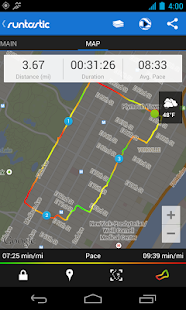
Map your workouts in real-time with built-in GPS and monitor your progress (time, distance, speed, pace, calories, altitude, etc.)
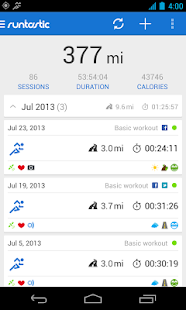
Personal workout diary and metrics
Mapping: Detailed live mapping and historic mapping of previous sessions (Google maps)
Dashboard configuration: Display preferred statistics
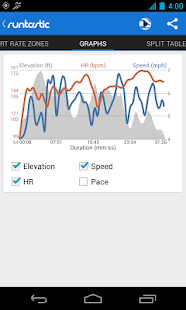
Graphs: Get charts with altitude, pace, speed and heart rate information
Performance analysis with lap times
Enjoy your workouts with the integrated music player
Set goals for time and distance
Accurate calculation of elevation gain and loss
Manual entry of workouts: Add treadmill, spinning and weightlifting workouts
Monthly and overall metrics for distance, number of workouts, duration and calories
Share your success on Facebook and Twitter
You can save all your workouts at www.runtastic.com. Using the online community you’ll get further analysis, metrics and comparisons to your friends. Additionally, you can choose a training plan and track your body statistics. Share all your workouts easily with the facebook and twitter connect.
What’s in this version: (Updated : Aug 24, 2013)
Connect your Pebble Watch
Control the app and see session data directly on your wrist
New Design
Runtastic is now lighter, simpler & more elegant for you
Heart Rate via Bluetooth Smart
Connect a Runtastic Heart Rate Monitor via energy-efficient Bluetooth Smart
Improved Structure
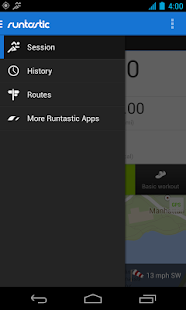
Access features & screens effortlessly with the new drawer navigation
New Maps
Maps are now 3D: Adjust your viewpoint to show map with perspective
Required Android O/S : 2.1+
Screenshots :
Download